How to Create a WhatsApp Link (wa.me) and QR Code for Your Business, With Tracking
wa.me links and QR codes are the easiest way to turn website visitors, packaging readers and shop visitors into chats. Learn the correct format, pre-filled messages, the best placements and how to track where chats come from.

Antonio Kurniawan
Product & Customer Success
On this page
- The correct WhatsApp link format
- How to add a pre-filled message
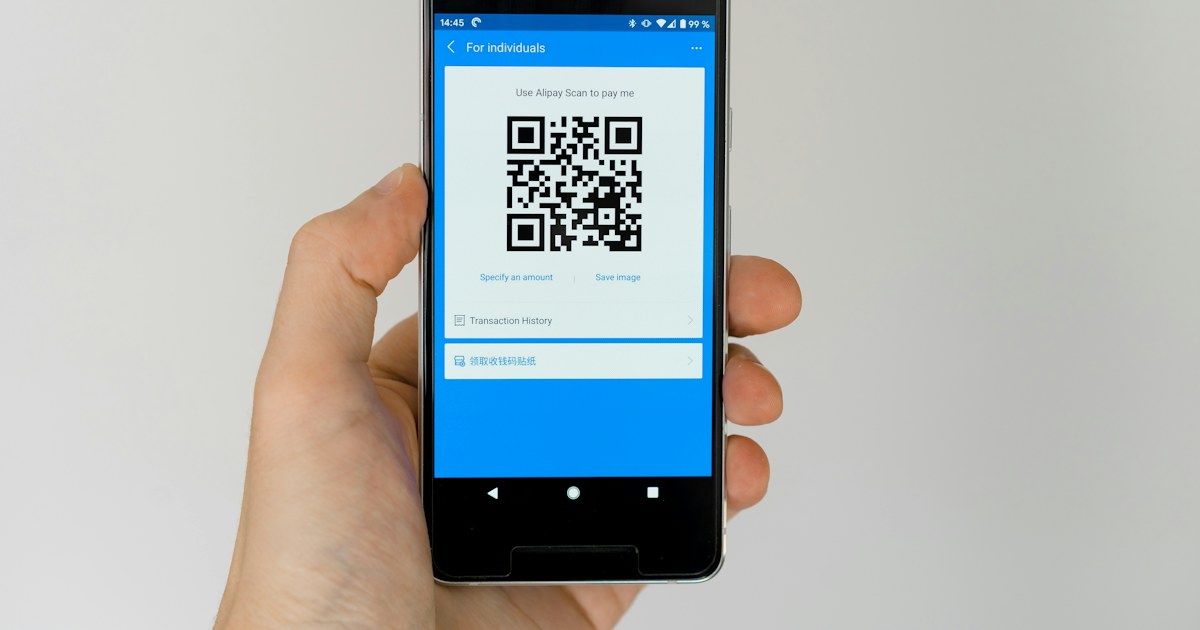
- How to create a WhatsApp QR code
- The best places for your WhatsApp link and QR
- Ready-to-use link examples
- How to add a WhatsApp button to your website
- How to track chat sources from links and QR codes
- WhatsApp links on Instagram, TikTok and Google
- When is a link not enough?
- Link to a personal number or a business number?
- One business, many branches or numbers
- Common mistakes
- Testing links and QR codes before printing
- Conclusion
Key takeaways
- WhatsApp link format: https://wa.me/628xxx with country code 62, no leading 0, and no plus sign, spaces or dashes.
- Add ?text= with an encoded opening message so customers only need to press send.
- A wa.me link can become a QR code for packaging, counters, flyers and events.
- Create a different link per source with a unique opening message, then label chats automatically with a workflow to track their origin.
- Use a dedicated business number connected to a team inbox, not a personal number.
To create a WhatsApp business link, use the format https://wa.me/628xxxxxxxxxx: country code 62, no leading 0, and no plus sign, spaces or dashes. Add ?text= with an encoded opening message so customers only need to press send. You can turn the link into a QR code for your shop, packaging or flyers, and by giving each location a different opening message, you can tell where every chat came from.
This guide covers the correct link format, how to add a pre-filled message, how to make a QR code, the best places to put your link and QR, and how to track chat sources without complicated tools.
The correct WhatsApp link format
Besides wa.me, the format https://api.whatsapp.com/send?phone=6281234567890 also works and does the same thing. wa.me is shorter and looks tidier when displayed.
How to add a pre-filled message
A pre-filled message means customers do not have to think about what to write. Here is how:
Write the opening message, for example: Hi, I would like to ask about the family package price.
Turn spaces into
%20and encode other symbols according to URL rules. The easiest way is the URL-encode option in a link generator or spreadsheet.Combine them:
https://wa.me/6281234567890?text=Hi%2C%20I%20would%20like%20to%20ask%20about%20the%20family%20package%20price.Test the link on a phone and a laptop before sharing it.
Tip: write the opening message from the customer's point of view, not the business's. "Hi, I saw your Instagram promo and want to ask about sizes" feels far more natural than "Welcome to Our Store".
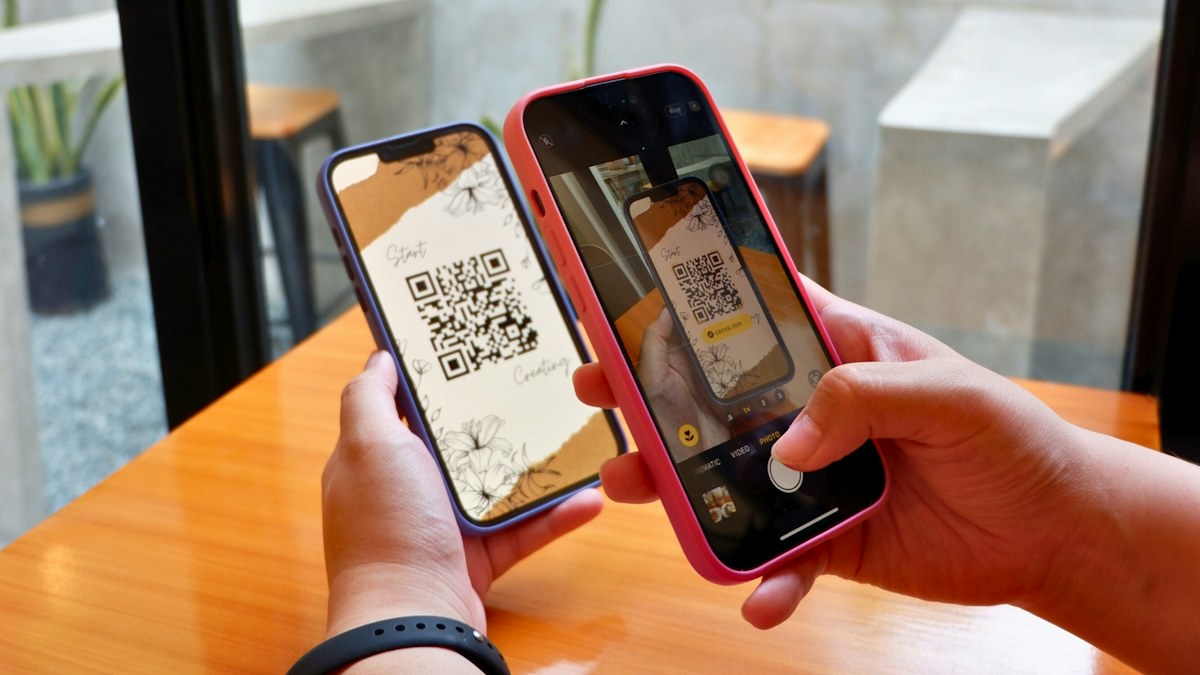
How to create a WhatsApp QR code
From the WhatsApp Business app: open Business Tools, then Short link or QR code. You can set a default message and share the QR.
From a wa.me link: paste the full link into any QR code generator. This is the most flexible option because you can create many QR codes with different opening messages.
For WhatsApp API numbers: use the number's wa.me link and turn it into a QR code. Incoming chats still appear in the team inbox.
Print QR codes at least 2 x 2 cm on packaging and 5 x 5 cm on posters, with high contrast and empty space around them. Always add a short call to action nearby, such as "Scan to check stock on WhatsApp".
The best places for your WhatsApp link and QR
On your website, also consider a live chat widget that can open WhatsApp or serve visitors right on the page. We compare the options in website live chat for business.
Ready-to-use link examples
Replace the number with your business number. The part after ?text= is already encoded.
Stock check:
https://wa.me/6281234567890?text=Hi%2C%20I%20want%20to%20check%20product%20stockConsultation:
https://wa.me/6281234567890?text=Hi%2C%20I%20would%20like%20a%20free%20consultationOrder status:
https://wa.me/6281234567890?text=Hi%2C%20I%20want%20to%20check%20my%20order%20statusBooking:
https://wa.me/6281234567890?text=Hi%2C%20I%20would%20like%20to%20book%20for%20the%20dateComplaint:
https://wa.me/6281234567890?text=Hi%2C%20there%20is%20a%20problem%20with%20my%20order
A different message for each need also helps agents or AI understand what the customer wants without asking again.
How to add a WhatsApp button to your website
The simplest way is a regular button pointing to the wa.me link. Example HTML:
<a href="https://wa.me/6281234567890?text=Hi%2C%20I%20have%20a%20question" target="_blank" rel="noopener">Chat on WhatsApp</a>A few things that make the button work harder:
Place it near pricing or on product pages, not only in the footer.
Use an opening message that mentions the product or page, so agents know the context.
On desktop, the link opens WhatsApp Web or the desktop app. Make sure the button still makes sense if visitors are not logged in to WhatsApp Web.
If you want visitors to get help without opening WhatsApp at all, use a webchat widget that feeds the same inbox.
How to track chat sources from links and QR codes
WhatsApp links do not carry UTM parameters the way website links do. The most practical solution is a unique opening message per source:
Create one link per location or campaign, each with a different opening message, for example ending with a short code such as "(IG)", "(PKG)" or "(BDG)".
In ChatMo, build a workflow or rule that reads the keyword in the first message and labels the contact's source automatically.
Use that label in your reports: which source brings the most chats and sales.
Note: customers can delete or edit the opening message before sending. Treat this source data as a very useful estimate, not an exact figure.
An example chat source report
These figures are only an illustration, but the pattern is common: packaging QR codes bring fewer chats, yet they come from existing customers who tend to buy again. Without source labels, you would never see it.
WhatsApp links on Instagram, TikTok and Google
Instagram: professional accounts can add WhatsApp as a contact button on the profile, besides a wa.me link in the bio. The official button looks tidier, while a bio link lets you set a specific opening message.
TikTok: put a wa.me link in your bio or in a link-in-bio page with several buttons, such as "Check stock", "Consultation" and "Order status", each with its own opening message.
Google Business Profile: make sure your WhatsApp business number is listed and matches the one on your website, so people searching on Google Maps can contact you directly.
Marketplaces: some marketplaces forbid sellers from moving buyers off the platform. Check the rules before adding a WhatsApp link to your store page or packaging.
When is a link not enough?
Links and QR codes make it easy for customers to start a chat, but they do not help you answer it. Signs you need more than a link:
Chats from links arrive faster than your team can reply.
Several agents need to share one number.
You want chats from a specific link routed to a specific team, such as packaging QR codes to after-sales.
You want AI to answer basic questions before an agent takes over.
At that point, connect the number to a team inbox with auto-assign and an AI agent. See our guide to the WhatsApp Business API.
Link to a personal number or a business number?
Many small businesses start by linking to the owner's personal number. As the business grows, this causes problems: chats mix with personal matters, they cannot be shared with other agents, and history is lost when the phone changes. Use a dedicated business number from the start, ideally connected to a team inbox so every chat from a link goes straight to the agent on duty.
One business, many branches or numbers
Businesses with several branches often wonder: one link for everything, or one link per branch? There are two approaches:
One central number, many links. Every link points to the same number, but the opening message names the branch, such as "(BDG)" or "(SBY)". A workflow labels the branch and routes the chat to that branch's team. Customers only need to remember one number.
One number per branch. Each branch has its own number and QR code, but all of them feed the same inbox so managers can still oversee every branch.
The first approach is easier for customers and marketing. The second suits branches that run fairly independently.
Common mistakes
A wrong number format that opens an error page.
An opening message that is too long, so it feels like a template and people do not bother sending it.
QR codes that are too small or printed on glossy surfaces that are hard to scan.
Nobody replying to chats from the link outside business hours. Set up a WhatsApp auto-reply or an AI agent.
One link for every placement, so you cannot tell which channel works.
Testing links and QR codes before printing
A wrong link on a website can be fixed in a minute, but a wrong QR code printed on thousands of packages cannot be recalled. Run this simple test before anything goes to print:
Open the link on Android and iPhone. Check that WhatsApp opens to the right number and the opening message appears in full, punctuation included.
Open it on a laptop. wa.me links lead to WhatsApp Web or the desktop app, so make sure that experience works too.
Send a test message and check that the chat lands in the team inbox, the automatic label is applied and the first reply goes out as planned.
Scan the QR code from a realistic distance and light, such as from a shop counter or from a package held in the hand. Print a test copy at real size instead of only testing on screen.
Keep a list of live links with the source, opening message and date placed, so they are easy to trace if your business number ever changes.
If the number or opening message needs to change, you can update links in digital materials, but printed QR codes keep pointing to the old number. So make sure the number on printed materials is a long-term business number.
Conclusion
wa.me links and QR codes are the simplest way to turn website visitors, packaging readers and shop visitors into conversations. Use the correct format, write the opening message from the customer's point of view, create a different link for each source, and make sure every incoming chat gets a reply.
Want chats from every link and QR to land in one team inbox with automatic source labels? Book a ChatMo demo.
Frequently asked questions
What is the correct WhatsApp link format?
Use https://wa.me/ followed by the number with its country code, such as 6281234567890. Drop the leading 0 and do not use a plus sign, spaces or dashes.
How do I create a WhatsApp link with a pre-filled message?
Add ?text= after the number, then the encoded message, for example spaces become %20. Example: https://wa.me/6281234567890?text=Hi%2C%20I%20have%20a%20question.
How do I create a WhatsApp QR code?
Use the QR code feature in the WhatsApp Business app, or paste the full wa.me link into a QR code generator so you can create many QR codes with different opening messages.
Can I track where wa.me link chats come from?
WhatsApp links do not carry UTM parameters. The practical way is a unique opening message per source, then automatic labels based on keywords in the first message.
Can wa.me links be used with WhatsApp API numbers?
Yes. Chats from the link still land in the team inbox connected to that WhatsApp Business API number.
About the author
Antonio Kurniawan
Product & Customer Success
The ChatMo product and customer success team helps Indonesian businesses run WhatsApp, Instagram and webchat conversations with AI agents and shared inboxes.