WhatsApp Business Number Banned? Causes, How to Recover It and How to Prevent It
A business WhatsApp number that is suddenly banned can stop sales overnight. Learn the most common causes, the difference between a temporary restriction and a ban, how to appeal, and the habits that keep a business number safe on both the app and the API.

Antonio Kurniawan
Product & Customer Success
On this page
- Temporary restriction vs ban
- Why WhatsApp Business numbers get banned
- How to recover a banned number
- Quality rating and messaging limits on the WhatsApp Business API
- Habits that keep your number safe
- Example: a fashion store that recovered and changed its ways
- Collecting customer consent properly
- Writing messages that do not invite reports
- Preparing a backup plan
- A new number: starting safely
- Mistakes that make things worse
- Summary
Key takeaways
- The most common cause of a ban is many customers reporting or blocking your number, usually after unsolicited bulk messages.
- A temporary restriction is different from a permanent ban, and each is handled differently.
- Appeals can be made from the ban screen in the app or through WhatsApp support, with a short and honest explanation.
- On the WhatsApp Business API, the quality rating and messaging limits act as early warnings before a number gets into trouble.
- Message only contacts who gave permission, offer a way to opt out and never use modified WhatsApp apps.
A banned WhatsApp Business number almost always starts with one thing: too many recipients blocking or reporting your number. The usual triggers are bulk messages to people who never asked for them, modified WhatsApp apps, or breaking WhatsApp's policies. If your number has been hit, first work out whether it is a temporary restriction (usually with a countdown) or a ban. For a ban, appeal from the ban screen in the app with a short, honest explanation. Once you recover, change the way you send messages, because a second ban is usually much harder to reverse.
This guide covers the most common causes, the recovery steps, how the quality rating works on the WhatsApp Business API and the everyday habits that keep a business number safe.
Temporary restriction vs ban
A temporary restriction is a warning. Businesses that ignore it and go back to bulk messaging once it ends often end up banned.
Why WhatsApp Business numbers get banned
1. Many recipients block or report you
WhatsApp pays attention to user signals. If many people who receive your messages tap block or report, the system concludes your number sends unwanted messages. This is the number one cause.
2. Messaging contacts who did not opt in
Buying number lists, copying numbers from groups or sending promotions to every contact on your phone is a recipe for a ban. Recipients who do not know your business tend to report straight away.
3. Sudden volume spikes
A number that usually sends a few dozen messages a day and suddenly sends thousands looks suspicious, especially if the number is new.
4. Unofficial WhatsApp apps
Modified apps or tools that automate regular WhatsApp without an official route break the terms of service. Numbers that use them risk a ban even without sending spam.
5. Breaking the commerce policy
Selling banned products, such as prescription drugs without a licence, weapons or other illegal items, can get a business account restricted even if your messaging habits are fine.
6. Misleading or overly frequent messages
Exaggerated claims, suspicious links or daily promotions to the same people increase the chance of being reported.
How to recover a banned number
Stop all bulk sending from any tool connected to the number.
Open WhatsApp on the phone and read the message shown. Decide whether it is a temporary restriction or a ban.
For a ban, tap the request review button on the screen. Follow the steps and write a short explanation.
Write an honest, specific explanation. For example: "This number is used by a baby products store to answer customer questions and send order confirmations. We have stopped bulk promotions and will only message customers who request it." Avoid long explanations or blaming others.
Wait for the review result. Do not uninstall the app or re-register repeatedly during the process.
If the appeal is rejected, you can still contact WhatsApp support by email from the official help pages, but there is no guarantee the result will change.
While the number is down, tell customers through other channels such as Instagram, your website or email so ongoing orders can still be followed up.
Quality rating and messaging limits on the WhatsApp Business API
Businesses on the WhatsApp Business API get tools that the regular app lacks: the quality rating and messaging limits.
The quality rating reflects how recipients have responded to your messages recently, including how many blocked or reported you. It appears in WhatsApp Manager as high, medium or low.
Messaging limits decide how many unique customers you can contact first within 24 hours. New businesses usually start with a small limit that grows step by step with healthy volume and quality. Business verification is required to reach higher limits. The exact numbers can change, so always check WhatsApp Manager.
Replies within the 24-hour window for customer-initiated chats do not count as business-initiated messages.
When the rating drops, Meta signals early, before heavier restrictions. Use that signal: pause marketing campaigns, review your templates and focus on genuinely active customers.
Habits that keep your number safe
Message only contacts who opted in. Collect permission through forms, checkout or previous conversations.
Offer a way to opt out. Add a line such as "Reply STOP if you no longer want offers" and honour it.
Segment recipients. Send kids' shoe offers only to customers who have bought children's products.
Watch the frequency. One or two promotional messages a week is usually far safer than daily messages.
Increase volume gradually on new numbers.
Use official routes. The WhatsApp Business app for small businesses, the WhatsApp Business API through an official provider at scale.
Watch responses. If many recipients do not reply or leave the chat immediately, your content may not be relevant enough.
We cover safe broadcasting in detail in how to send WhatsApp broadcasts without getting banned.
Example: a fashion store that recovered and changed its ways
An online fashion store in Bandung sent a discount promotion to about 6,000 contacts exported from a marketplace in one night. The next day its number was temporarily restricted. When the restriction ended, it sent promotions again and the number was banned.
The appeal was accepted after the store explained that the number was used for customer service and committed to stopping bulk promotions. Since then it has changed how it works: the number moved to the WhatsApp Business API, promotions only go to customers who bought in the last six months and have replied to a chat before, every message includes an opt-out, and frequency is capped at one promotion a week. The quality rating has stayed high, and reply rates on promotions actually went up because the audience is more relevant.
Collecting customer consent properly
Consent, or opt-in, is the foundation of a healthy business number. Many businesses assume they have consent because a customer once bought something, but a customer who bought once two years ago does not necessarily want weekly promotions. Good consent meets three conditions: customers know they will receive WhatsApp messages from your business, they know what kind of messages, and they actively agree.
A few reasonable ways to collect consent: an unticked checkbox on your website checkout, a question at the end of a conversation such as "Would you like us to let you know about restocks or offers?", a membership sign-up form, or an in-store QR code that opens a chat with the message "I'd like to receive offers". Record when and where consent was given. This record helps if a customer or Meta ever asks.
Also separate the types of consent. A customer who agrees to order updates has not necessarily agreed to promotions. Keeping them apart lets you send important messages without bothering customers who do not want marketing.
Writing messages that do not invite reports
Content matters as much as the recipient list. A message that feels like spam gets reported even when the recipient once opted in. A few practical guidelines:
Name your business at the start so recipients recognise the sender immediately.
Personalise with the customer's name and a reference to a past purchase where relevant.
One message, one offer. A message with five promotions feels like a flyer.
Avoid all caps, excessive exclamation marks and short links with unclear destinations.
Send at reasonable hours, for example 10 am to 7 pm, not at midnight.
Preparing a backup plan
Even careful businesses should have a plan in case a number runs into trouble:
Keep customer data off the phone, for example in a CRM or shared inbox, so it is not lost with the account.
Have alternative channels such as Instagram, Facebook Messenger or website live chat that you can announce quickly.
Document how the team works, including who may send broadcasts and under what rules.
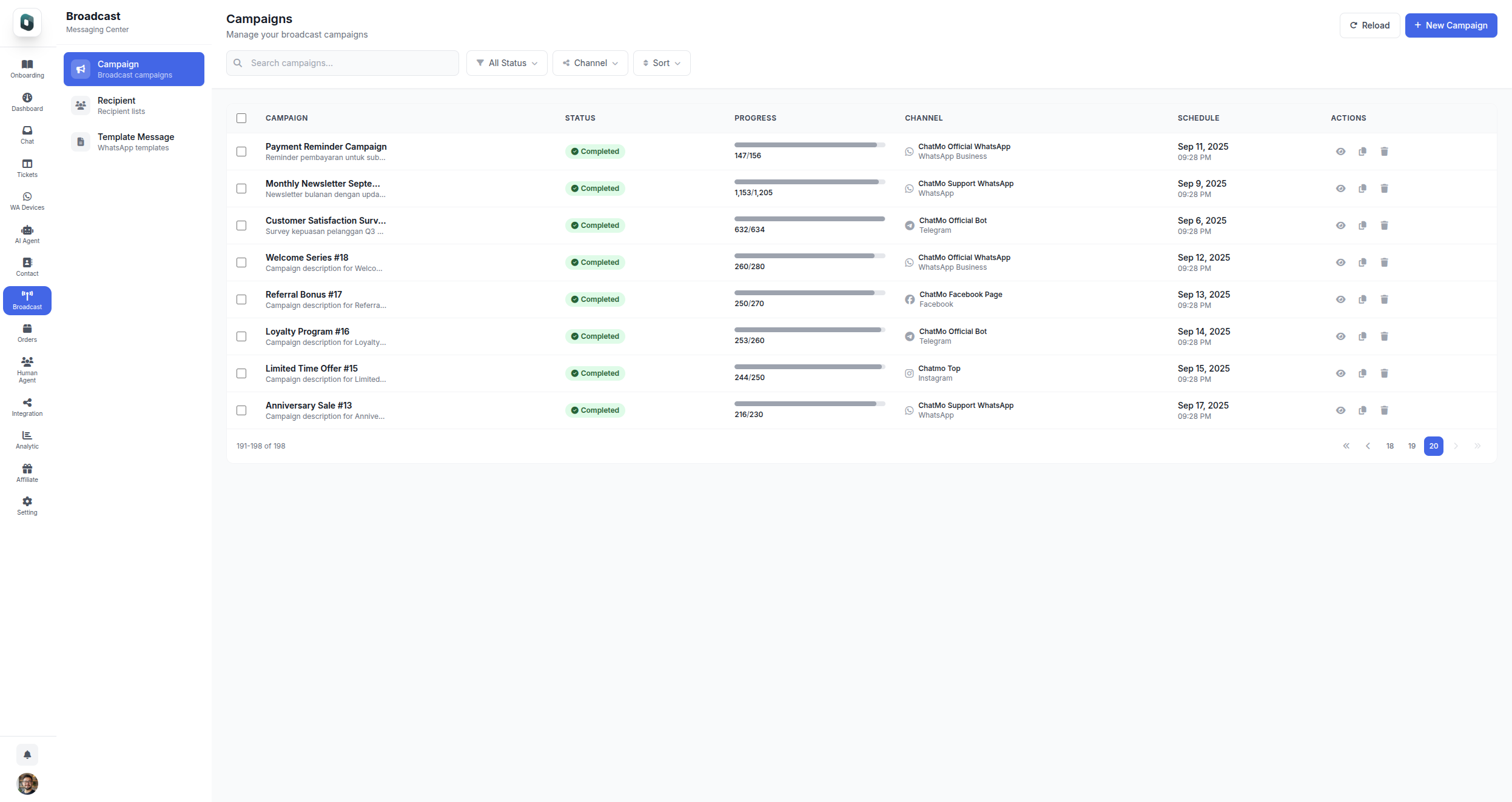
In ChatMo, contacts and conversation history live in the shared inbox, and the same customers can be served from other channels such as Instagram, Facebook, Telegram or webchat if needed.
A new number: starting safely
If you have to use a new number, for example because the old one cannot be recovered, treat it like a new employee nobody knows yet. Do not message thousands of people on day one. Start with customer-initiated conversations, such as links on your website, social media bios or in-store QR codes. Let the number build a healthy conversation history over a few weeks, with customers who reply and do not report.
Announce the new number through channels customers already trust, such as Instagram, email or your website, and ask customers to message first. A first message from the customer shows they want to talk to you, and that is a positive signal for a new number.
Mistakes that make things worse
Re-registering repeatedly while restricted. This can extend the restriction.
Jumping to a new number and repeating the same behaviour. A new number with the same pattern usually meets the same fate.
Buying number lists. Recipients who do not know you are the biggest source of reports.
Using modified WhatsApp apps for broadcasts. The ban risk is very high.
Hiding the opt-out. Customers who cannot unsubscribe will choose the report button.
Summary
Bans are almost always triggered by many recipients blocking or reporting you.
Distinguish a temporary restriction from a ban and handle each accordingly.
Appeal with a short, honest explanation and a commitment to change.
On the API, watch the quality rating and messaging limits as early warnings.
Message only contacts who opted in, keep frequency sensible and use official routes.
Frequently asked questions
Why do WhatsApp Business numbers get banned?
Usually because many recipients block or report the number, bulk messages are sent to people who did not opt in, an unofficial WhatsApp app is used, or the business breaks WhatsApp's commerce policy or terms of service.
How long does a temporary WhatsApp restriction last?
A temporary restriction can last from a few hours to several days. The app usually shows a countdown. During that time, avoid repeatedly trying to re-register.
How do I appeal a banned WhatsApp number?
Open WhatsApp, follow the request review button on the ban screen, and briefly and honestly explain how the number is used. You can also contact WhatsApp support by email from the official help pages.
Is the WhatsApp Business API safer from bans?
The API provides monitoring tools such as the quality rating and messaging limits, and requires approved templates for outbound messages. But API numbers can still be restricted if many recipients block or report them.
Do WhatsApp broadcasts always get numbers banned?
No, as long as broadcasts go to customers who opted in, the content is relevant, the frequency is reasonable and there is a way to unsubscribe.
About the author
Antonio Kurniawan
Product & Customer Success
The ChatMo product and customer success team helps Indonesian businesses run WhatsApp, Instagram and webchat conversations with AI agents and shared inboxes.