How to Read Instagram Insights for Business: The Metrics That Matter and How to Act on Them
Instagram Insights shows plenty of numbers, but only some of them help business decisions. Learn what reach, interactions, saves, shares, profile visits and link taps mean, how to read Reels and Stories insights, and how to connect them to DMs and sales.

Antonio Kurniawan
Product & Customer Success

On this page
- Where to find Instagram Insights
- Key metrics and what they mean
- Reading Reels insights
- Reading feed post and carousel insights
- Reading Stories insights
- Understanding your audience
- Connecting Insights to DMs and sales
- A simple weekly report
- Using Insights to choose ad creative
- Reading numbers in context
- Setting realistic targets
- Example: a local shoe store
- Who should read Insights?
- Common mistakes
- Summary
Key takeaways
- Insights is only available for professional accounts and shows data for content posted after switching.
- Reach shows how many accounts saw content; interactions, saves and shares show how valuable it was.
- Profile visits, link taps and Story replies are the metrics closest to sales.
- Compare content with similar content over the same period, rather than just looking at the highest number.
- Connect Insights to DM and order data to know which content actually makes money.
Reading Instagram Insights starts with separating numbers that are merely interesting from numbers that help decisions. Insights is only available for professional accounts and shows data such as reach, views, interactions, saves, shares, profile visits, link taps and Story replies. For chat-based businesses, the metrics closest to sales are profile visits, link taps, Story replies and new DMs. Compare content with similar content over the same period, then connect it to DM and order data to see which content actually brings buyers, not just likes.
This guide explains what each key metric means, how to read Reels, post and Stories insights, how to build a simple weekly report and how to use the data to decide your next content and ads.
Where to find Instagram Insights
Make sure your account is professional. The guide is in how to create an Instagram business account. There are then two ways to see data:
Account overview: open your profile and tap the professional dashboard or Insights. Here you see an overview such as account reach, interactions and follower growth over a period.
Per-content insights: open a specific post, Reel or Story and tap view insights. Here you see one piece of content's performance in detail.
Data is also available in Meta Business Suite if the Instagram account is connected to a Facebook Page, which is more comfortable for analysis on a big screen.
Key metrics and what they mean
Likes are still useful, but often misleading. Content with many likes does not necessarily bring DMs, while simple content that gets saved a lot is often closer to a buying decision.
Reading Reels insights
Reels are the main format for reaching new people. When reading Reels insights, look at:
Views and reach. How many people saw it, and how many of them were not followers. A high share of non-followers shows the Reel reached a new audience.
Watch time and retention. Where available, check the average watch time. A sharp drop in the first seconds means the opener was weak.
Saves and shares. Reels that get saved and shared a lot are usually valuable to viewers and often keep gaining reach for longer.
Profile visits and new followers. A widely watched Reel that brings no profile visits may be entertaining but does not make people curious about your business.
Reading feed post and carousel insights
Feed posts and carousels are usually seen by followers and by people who find you through your profile or Explore. For carousels, watch saves and shares, because this format is often used for educational content such as size guides, product comparisons or tips. Carousels with many saves are great candidates for ads or for turning into Reels.
Reading Stories insights
Stories are mostly seen by followers who already know you. The important metrics:
Reach per Story, to see how many followers are still actively watching.
Navigation, meaning taps forward, back, exits and swipes to the next account. Many exits on a particular Story mean it was less engaging.
Replies, which land straight in DMs and are the strongest signal of interest.
Sticker interactions, such as poll votes or link sticker taps.
Stories ideas that prompt replies are covered in Instagram Stories for selling.
Understanding your audience
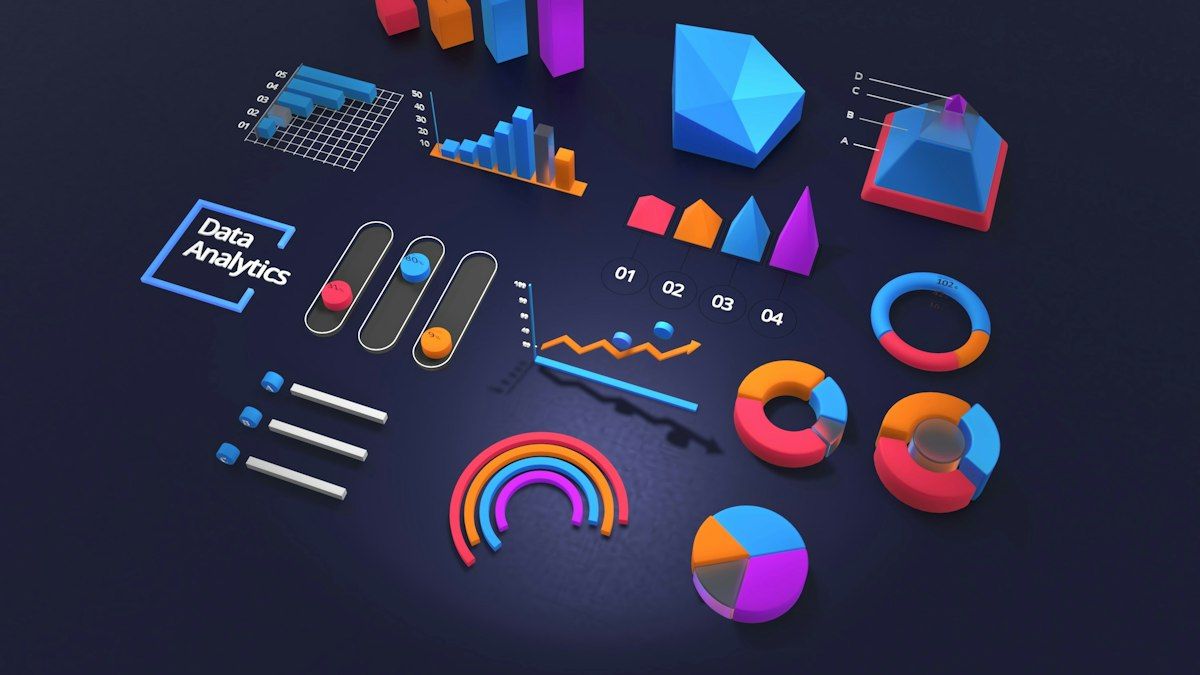
The audience section of Insights shows followers' locations, ages, genders and active hours. This data helps with several decisions. Location helps decide delivery areas or which branches to promote. Age and gender help tailor tone and ad creative. Active hours help decide when to post and when the team must be ready to reply to DMs.
If your audience turns out to differ from your target customers, for example many followers from cities you do not serve, that is a sign your content or ads need redirecting.
Connecting Insights to DMs and sales
Insights stops at link taps and replies. What happens next, whether the conversation becomes an order, is not visible in Instagram. This is where many businesses lose the full picture.
A simple way to connect them: use a different keyword in each piece of content, such as "DM 'SAGE' for this color". When a DM arrives with that keyword, label it with the source content. At the end of the week, count how many DMs and orders came from each piece of content. This way you may find that a Reel with 50,000 views brought fewer orders than a carousel with 5,000 reach and lots of saves.
In ChatMo, Instagram DMs land in a shared inbox and workflows can add labels automatically based on keywords in the first message. Conversation reports then show chat counts per label, so Insights data and sales data can be read side by side.
A simple weekly report
You do not need a complex dashboard. Record five things every week:
The three pieces of content with the highest reach.
The three with the most saves and shares.
Profile visits and link taps this week compared with last week.
New DMs and Story replies.
Orders from Instagram DMs, and their source content where trackable.
From these notes, make one decision for next week, such as creating two new variations of the most saved content or dropping a format that is always quiet.
Using Insights to choose ad creative
Organic content that performs well is the best candidate for ads. Choose content that gets saved, shared and drives profile visits, not just the content with the most likes. Content like this has already proven appealing to people similar to your target customers. How to turn it into ads that open DMs is covered in Instagram ads to DMs.
Reading numbers in context
Numbers in Insights mean little without a benchmark. A reach of 3,000 can be excellent for an account with 2,000 followers but ordinary for one with 50,000. So compare content with your own account's averages, not with other accounts. Calculate average reach, saves and profile visits per content type over a month, then flag content that is well above average as material to learn from.
Consider outside factors too. Content posted around payday, before a holiday or during a big marketplace sale can perform differently because shopping behaviour changes. Do not conclude a format failed just because one piece was posted at a bad time.
Setting realistic targets
Once you understand your averages, set small, achievable targets, such as raising profile visits by 10% in a month or growing Story DMs to 20 a week. Measurable targets keep the team focused on behaviour that actually has an impact, not just chasing likes. Review targets monthly and adjust based on results. If a target is easy, raise it a little. If you are far off, find out whether the problem is the content type, posting time or DM reply speed.
Example: a local shoe store
A local shoe store in Bandung always measured success by likes. Funny Reels about office life got lots of likes, so they made more of them, but sales did not grow.
After they started recording profile visits, link taps and DMs per piece of content, a different pattern appeared. Size comparison carousels and short Reels on caring for leather shoes got fewer likes but the most saves, and brought DMs with sizing questions. They shifted their content mix toward education and turned the size carousel into an ad. Instagram sales rose even though average likes per post fell.
Who should read Insights?
In small businesses, the owner usually reads Insights. As the team grows, share the roles. Content creators read per-content performance to improve formats and openers. Chat agents note the questions that come up most in DMs and which content triggered them. The owner or marketing manager reads the weekly report to decide ad budgets and product priorities. With this split, data is not just collected; it is used by the people who can act on it.
Common mistakes
Looking only at likes. The most visible metric is not always the most important.
Comparing different content types. Compare Reels with Reels and Stories with Stories.
Deciding from one piece of content. Look for patterns over several weeks.
Not connecting to DMs and orders. You cannot tell which content makes money.
Never acting on the data. A report without a decision is wasted time.
Summary
Insights is available for professional accounts, as an account overview and per piece of content.
Understand reach, views, interactions, saves, shares, profile visits and link taps.
For sales, focus on profile visits, link taps, Story replies and DMs.
Connect content to DMs and orders using keywords and labels.
Build a simple weekly report and make one decision every week.
Frequently asked questions
How do I view Instagram Insights?
Switch to a professional account, then open your profile and tap the professional dashboard or Insights. For a specific piece of content, open the post, Reel or Story and tap view insights.
What is the difference between reach and views on Instagram?
Reach is the number of unique accounts that saw the content, while views count how many times it was shown or played, including repeat views by the same account.
Which Instagram metrics matter most for sales?
Profile visits, link taps, Story replies, new DMs and saves or shares. These are closer to buying intent than likes alone.
Why are my Instagram Insights not showing?
Insights is only available for professional accounts, and data is only available for content posted after the switch. Also make sure the Instagram app is up to date.
How often should I check Insights?
Review a weekly summary to adjust content, and a monthly analysis to spot trends and decide on strategy and ad budget.
About the author
Antonio Kurniawan
Product & Customer Success
The ChatMo product and customer success team helps Indonesian businesses run WhatsApp, Instagram and webchat conversations with AI agents and shared inboxes.