Instagram DM Auto-Reply for Business: The 24-Hour Rule, Examples and Automation
Instagram DM auto-replies help businesses answer messages from content and ads within seconds. Learn Instagram's built-in features, the 24-hour window and Human Agent tag rules, how to automate DMs with AI, and message examples.

Antonio Kurniawan
Product & Customer Success
On this page
- Why do Instagram DMs need automatic replies?
- Instagram's built-in auto-reply options
- Instagram messaging rules you must understand
- How to automate Instagram DMs in ChatMo
- Instagram DM auto-reply examples
- Turning DMs into sales
- Content ideas that bring quality DMs
- An example workflow for Instagram DMs
- Measuring Instagram DM success
- Common mistakes
- A summary of first steps
- Splitting DM work between content and support teams
- Conclusion
Key takeaways
- Instagram DM auto-replies require a professional account (business or creator).
- Through the API, businesses can only reply within 24 hours of the user's last message; the Human Agent tag extends this to 7 days for human replies only.
- The Human Agent tag must not be used for automated or promotional messages.
- An AI agent, button workflows and auto-assign get DMs answered instantly without any being missed.
- Lead DMs to a clear transaction step: a checkout link, a payment link or continuing on WhatsApp.
An Instagram DM auto-reply is an automatic response to direct messages sent to your Instagram business account, from a greeting and quick-question menu to an AI agent that answers product questions around the clock. Your account must be a professional account (business or creator). For automation through a platform like ChatMo, Meta has an important rule: businesses can only reply within 24 hours of the user's last message, and the Human Agent tag extends this to 7 days for replies typed by a person.
This article covers Instagram's built-in auto-reply options, automation through a team inbox, the messaging rules you must follow, message examples and how to turn DMs into sales.
Why do Instagram DMs need automatic replies?
DMs arrive outside business hours. People scroll Instagram at night and on weekends, exactly when your team is offline.
Repeat questions. "How much?", "Is size M available?", "Where do you ship?" eat up agents' time.
Momentum from content. DMs often follow a reel, story or ad. A slow reply lets that interest fade.
A professional impression. A responsive account looks more trustworthy than one that answers DMs the next day.
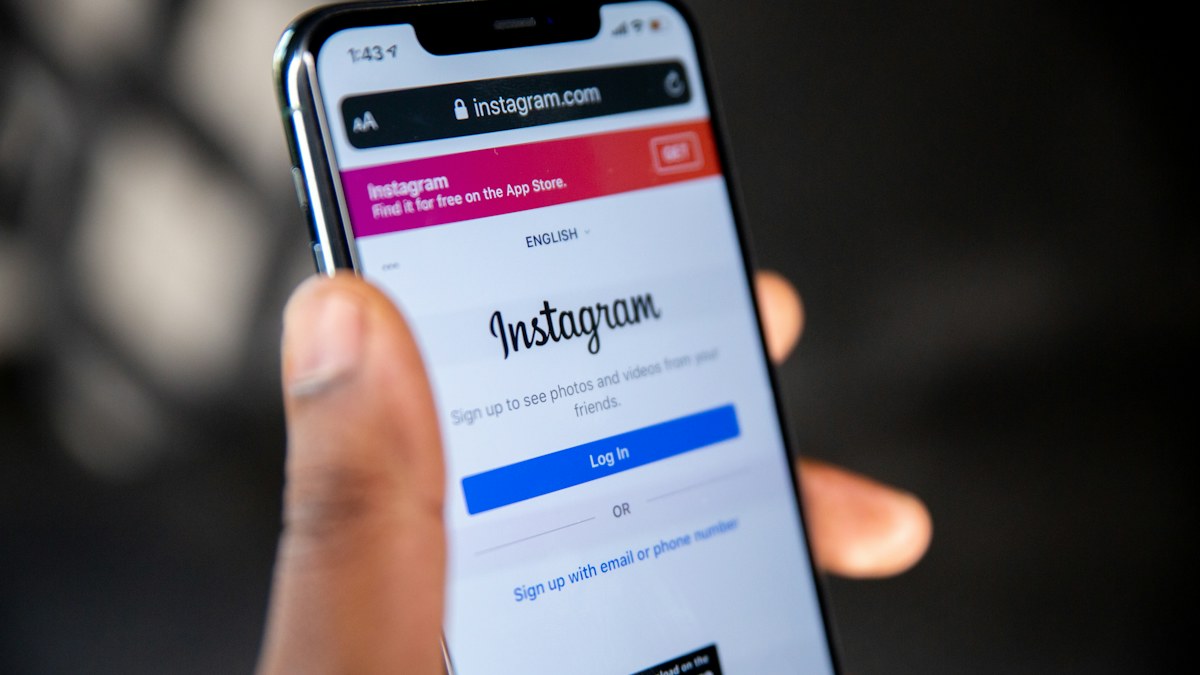
Instagram's built-in auto-reply options
Built-in features suit small accounts. Once you get dozens or hundreds of DMs a day handled by more than one person, you need a team inbox, chat assignment and AI that actually answers.
Instagram messaging rules you must understand
The 24-hour window. Through the API, businesses can reply within 24 hours of the user's last message. After that, new messages can only be sent once the user writes again.
The Human Agent tag (7 days). For unresolved support cases, a human agent can reply up to 7 days after the user's last message. The tag must not be used for automated or promotional messages; misuse can cost you API access.
No mass DM broadcasts. Instagram does not offer promotions to all followers through DMs. Use content, stories and ads to reach them, then serve them in DMs.
Professional accounts only. Personal accounts cannot be connected to automation platforms.
Important: because of the 24-hour window, reply speed matters even more on Instagram than on WhatsApp. A DM answered after 2 days may no longer be answerable through an automation platform at all.
How to automate Instagram DMs in ChatMo
Connect your professional Instagram account from Integrations. DMs land in the same inbox as WhatsApp and webchat.
Attach an AI agent to the Instagram channel. It answers product, price and shipping questions from your knowledge base and hands the chat to an agent when needed.
Build a workflow for the first DM: send a greeting with buttons such as "Check price", "Check stock" or "Talk to an agent", label the chat by choice, then route it to the right team.
Set up auto-assign so DMs go to agents who are online and none are missed.
Save quick replies for answers agents use often, including catalog attachments.
Instagram DM auto-reply examples
Greeting the first DM
"Hi! Thanks for your DM. Want to ask about price, stock or sizes? Tap a button below, or just type your question."
"Hi, thanks for stopping by from our reel. Which product caught your eye? Feel free to send a screenshot."
"Hi! Our team is offline right now, but our virtual assistant can help straight away. What would you like to know?"
Replying to a story mention
"Thanks for mentioning us in your story! So glad the product arrived safely. Mind if we repost it?"
"Thank you for sharing! Here is a small discount code for your next order: {code}."
Moving to WhatsApp or checkout
"To make it easier to send your address and transfer receipt, let's continue on WhatsApp: {wa.me link}."
"You can order the product directly with this link: {link}. If checkout gives you any trouble, reply to this DM."
Outside business hours
"Our team is active Monday to Saturday, 09:00-21:00 WIB. We have your question and will reply as soon as we can."
Turning DMs into sales
Instagram DMs are often the entry point, but transactions are easier on WhatsApp or through a payment link. A pattern that works:
Reply to DMs as fast as possible, ideally instantly with AI.
Answer the core question and send product photos or videos.
Offer the next step: a checkout link, a payment link, or moving to WhatsApp for longer consultations.
Record the source with a label, such as "DM from October reel", so you know which content drives sales.
Because a ChatMo contact profile can hold both an Instagram account and a WhatsApp number, the conversation history stays intact when customers switch channels. We cover this in omnichannel chat for business.
Content ideas that bring quality DMs
Invite a keyword DM. "DM the word CATALOG for the full price list." Keywords let a workflow label the chat and send the right answer.
A short free consultation. "Send us a photo of your skin by DM and our team will help you choose the right serum."
Limited stock. A story with a "ask about stock" sticker for products that are almost gone.
Educational content with a next step. A tips reel that ends with "Want the full checklist? DM us."
Content like this brings DMs that already carry context, so the AI or an agent can answer relevantly straight away.
An example workflow for Instagram DMs
The first DM arrives. The workflow reads the keyword: if it contains "catalog", it sends the catalog and adds a "requested catalog" label.
If there is no keyword, it sends a greeting with "Check price", "Check stock" and "Talk to an agent" buttons.
"Check price" and "Check stock" go to the AI agent, which answers from the knowledge base.
"Talk to an agent" goes to the team through auto-assign.
When the prospect is ready to order, the AI or an agent sends a purchase link or invites them to continue on WhatsApp.
Measuring Instagram DM success
Common mistakes
Letting DMs pile up for more than a day, so some can no longer be answered through the platform.
Auto-replies that are too long and do not answer the question.
Using the Human Agent tag for promotions, which breaks Meta's policy.
Managing DMs and WhatsApp separately, so customers repeat themselves when they switch channels.
No path to a person for complex questions or complaints.
A summary of first steps
For an account just getting started, we suggest this order: switch to a professional account, connect it to a team inbox, add an AI agent with a product knowledge base, build one greeting workflow with three buttons, then check unanswered DMs every day so none slip past the 24-hour window.
If you also run Instagram ads, send them to DMs or WhatsApp depending on where your team replies fastest. What matters most is that every prospect who comes from an ad gets an answer right away.
Splitting DM work between content and support teams
In many businesses, the Instagram account is run by the content team, while customer questions should be handled by support or sales. Without a clear split, DMs get missed because each side assumes the other is replying. Set it up like this:
The content team prepares details for every campaign, such as prices, promotion dates and the keywords used in captions, and shares them with support before the content goes live.
Support and the AI agent handle DMs about products, orders and complaints from the team inbox, not from personal phones.
A dedicated label marks DMs about collaborations, endorsements or press and routes them to the content team.
A short weekly meeting covers the most frequent questions so they can become the next piece of content or be added to the AI knowledge base.
With this flow, the content team stays focused on content while every DM with sales potential gets answered by the right person.
Conclusion
Instagram DMs are where interest from your content turns into a conversation. With a 24-hour reply window, speed is everything. Start with built-in features for a small account, then move to a team inbox with an AI agent, workflows and auto-assign as DMs grow, and always lead the conversation to a clear transaction step.
Want Instagram DMs answered by AI in seconds and landing in the same inbox as WhatsApp? Book a ChatMo demo.
Frequently asked questions
How do I set up Instagram DM auto-replies?
For a small account, use FAQs and instant replies in Meta Business Suite. For higher volume, connect your professional account to a platform such as ChatMo and add an AI agent and workflows.
How long can a business reply to Instagram DMs through the API?
Within 24 hours of the user's last message. With the Human Agent tag, a human agent can reply for up to 7 days on support cases.
Can I broadcast promotions through Instagram DMs?
No. Instagram does not offer mass promotional messages to all followers through DMs.
Can a personal Instagram account use auto-replies?
For platform automation, the account must be switched to a professional account, either business or creator.
How do I turn Instagram DMs into sales?
Reply as fast as possible, answer the core question with photos or video, then offer a checkout link, a payment link or a move to WhatsApp.
About the author
Antonio Kurniawan
Product & Customer Success
The ChatMo product and customer success team helps Indonesian businesses run WhatsApp, Instagram and webchat conversations with AI agents and shared inboxes.